Website Accessibility Statement
Caring for people is the foundation of cooperation and interaction within teams. The Company strives to ensure the maximum accessibility of its information resources for a general public. To achieve this, we continuously improve the technologies of our corporate website, making it more accessible for people with disabilities and different perceptual needs who use assistive technologies to access the Internet. Our goal is to provide equal opportunities to access the necessary information for all members of the general public.
Inclusivity means that a website is accessible to all users, including people with disabilities (visual, hearing, motor, and cognitive impairments).
An inclusive website is a website that enables people with any type of disability or special need to access the information they require. For example, it allows users to work with the website through specialized browsers or browser extensions, navigate the website using voice commands or a keyboard, adjust font size and color on pages, disable images, and much more.
To develop these capabilities, Nornickel conducts self-assessments and collaborates with an external partner that performs testing, configuration, and enhancement of the website
There are three levels of conformance: A (acceptable), AA (high), and AAA (highest).
As of the beginning of 2026, the Nornickel corporate website conforms to Level A and partially to Level AA.
Our goal is to achieve full conformance with Level AA, which is recognized as the international standard for digital content accessibility.
Due to the substantial size of the existing website, some areas of individual pages may still contain accessibility issues caused by technical limitations, third-party components, or ongoing updates. These issues are monitored and are not considered critical when assistive technologies are used.
If you encounter such an issue, please use the feedback form at the bottom of the page to let us know.
We will make every effort to further improve the accessibility of the website.
We added labels and attributes to the page code that allow specialized browsers and assistive technologies to interpret page content more accurately, including navigation elements. This also enables users who rely on text-reading software and browser extensions to replace the website fonts with ones that better suit their needs.
Navigating the website using a keyboard, without the need for a mouse or touchpad. The following keys can be used:
More information about keyboard navigation features can be found in your browser’s help documentation.
We reduced the visual clutter on certain pages and interface elements to help users focus more effectively on the information presented. Large volumes of text were divided into sections or reorganized visually to make reading easier.
When a user follows a link that leads to an external website, a notification is displayed indicating that they are leaving the website.
We reviewed forms to ensure that they function correctly and that their descriptions, instructions, and error messages are clear, understandable, and accessible.
A CAPTCHA is an automated test used to distinguish human users from automated programs that also interact with the website. We improved the usability of the CAPTCHA and increased its effectiveness.
Accessibility Features Disabled
On every page of the website, at the top of the page, users can see an icon depicting a person with outstretched arms.
Accessibility Features Enabled
When any accessibility mode is active, the appearance of the button changes: it becomes white with a dark figure inside.
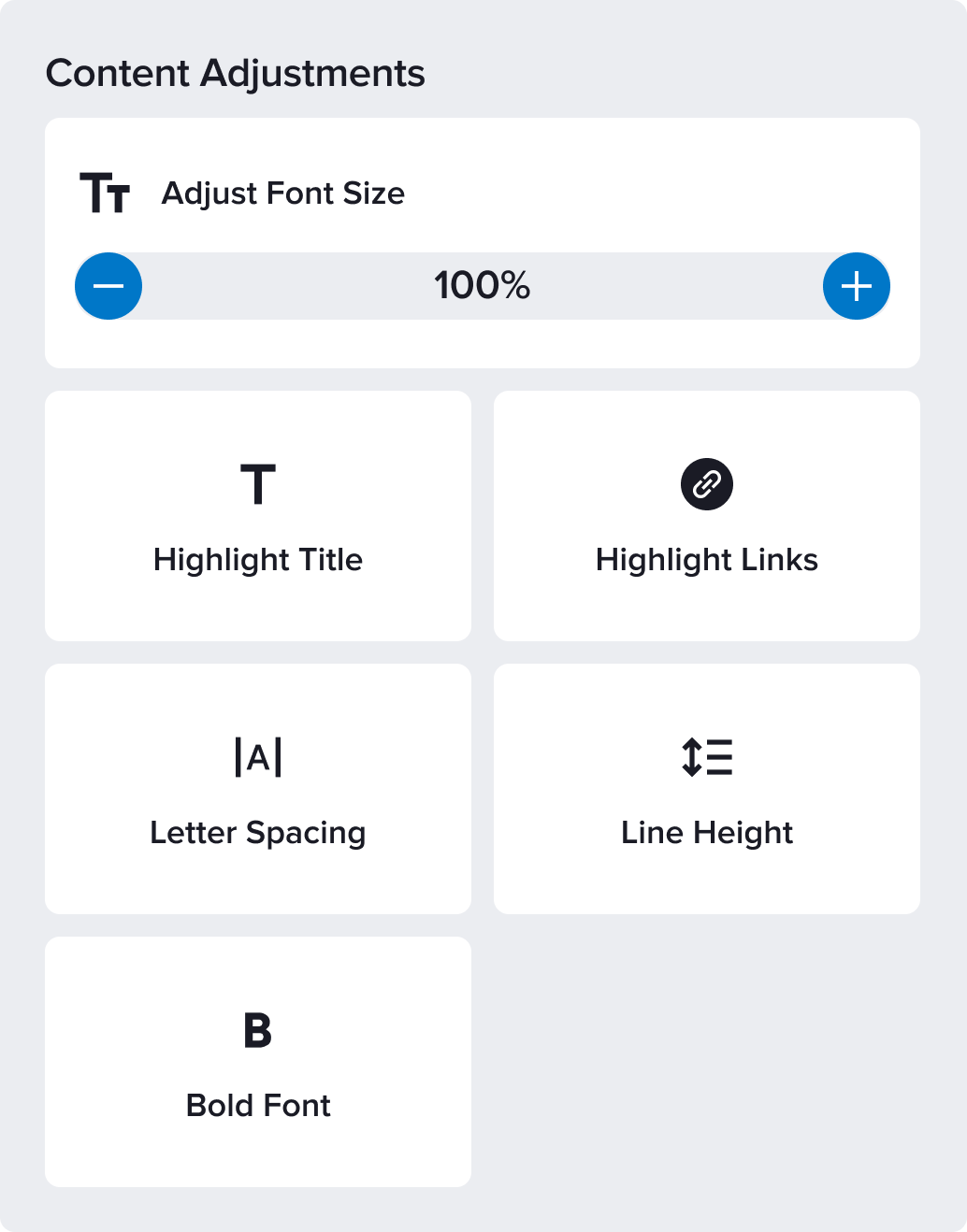
When the button is activated, an accessibility menu opens on the screen. The menu contains several groups of settings.
-
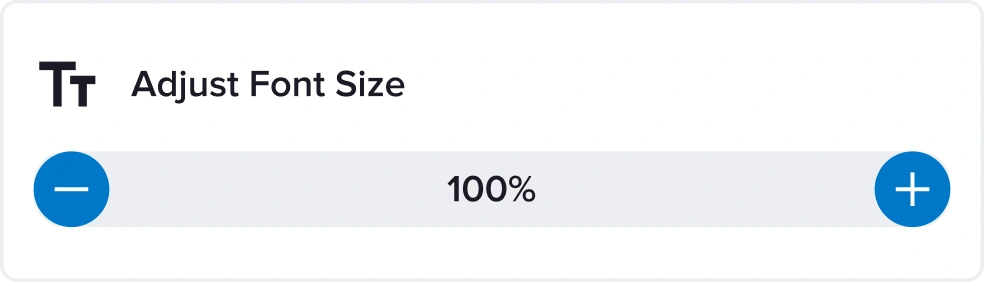
Adjust Font Size
increase and decrease font size;
-
Highlight Title
headings within the text are highlighted with outlines;
-
Highlight Links
all links on the page are highlighted with outlines;
-
Letter Spacing
adjusts the spacing between letters within words;
-
Line Height
adjusts the spacing between lines of text;
-
Bold Font
adjusts the thickness of letterforms.
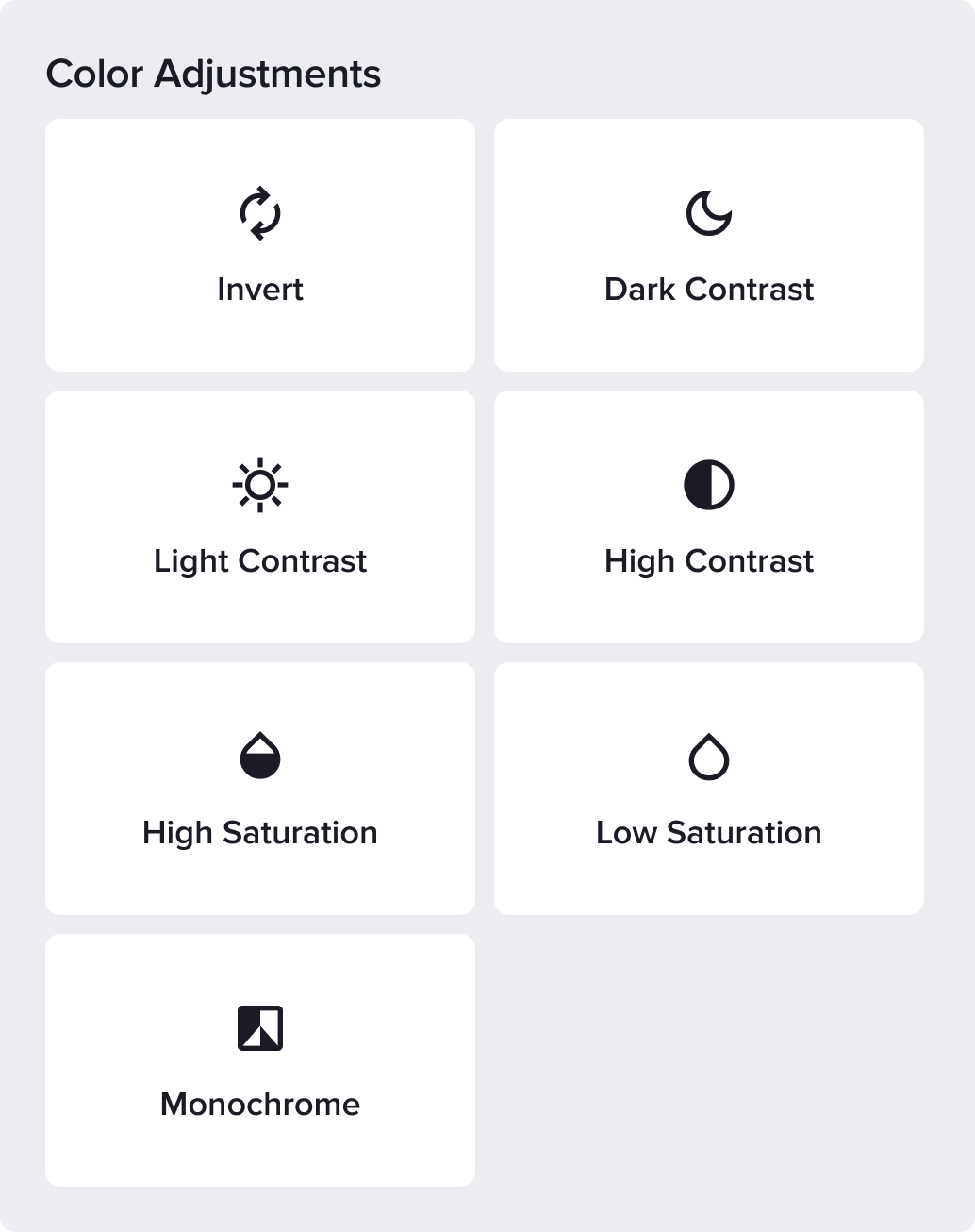
-
Invert
colors on the page are changed to their opposite values;
-
Dark Contrast
a dark background is applied behind text and interface elements;
-
Light Contrast
a light background is applied behind text and interface elements;
-
High Contrast
the color contrast of page elements is increased;
-
High Saturation
color saturation is increased;
-
Low Saturation
color saturation is reduced;
-
Monochrome
the page is displayed in grayscale.
-

Hide Images
decorative elements and illustrations are removed from pages;
-
Big Cursor
increases the size of the cursor;
To disable all enabled settings, users can either click the selected options again in the accessibility menu or use the Reset Settings buttons located at the top and bottom of the menu.
We will continue to improve the accessibility of our digital content and services, including the following measures: